Login
To get to the DerScanner web-interface (UI), enter http://<host> in the browser address bar, where "host" is the address of the DerScanner installation server. If the system was deployed on multiple servers, enter the address of the server with the web application module (APP.module). The authorization window will appear.
To enter the system, type your login and password and press Login.
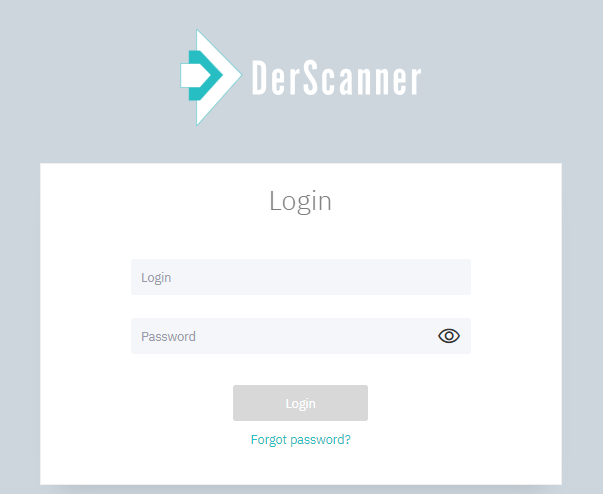
Figure 10.65: User Authorization
If you enter incorrect credentials, the Invalid login and/or password message will appear.
Please read the user agreement and press Accept before using DerScanner.
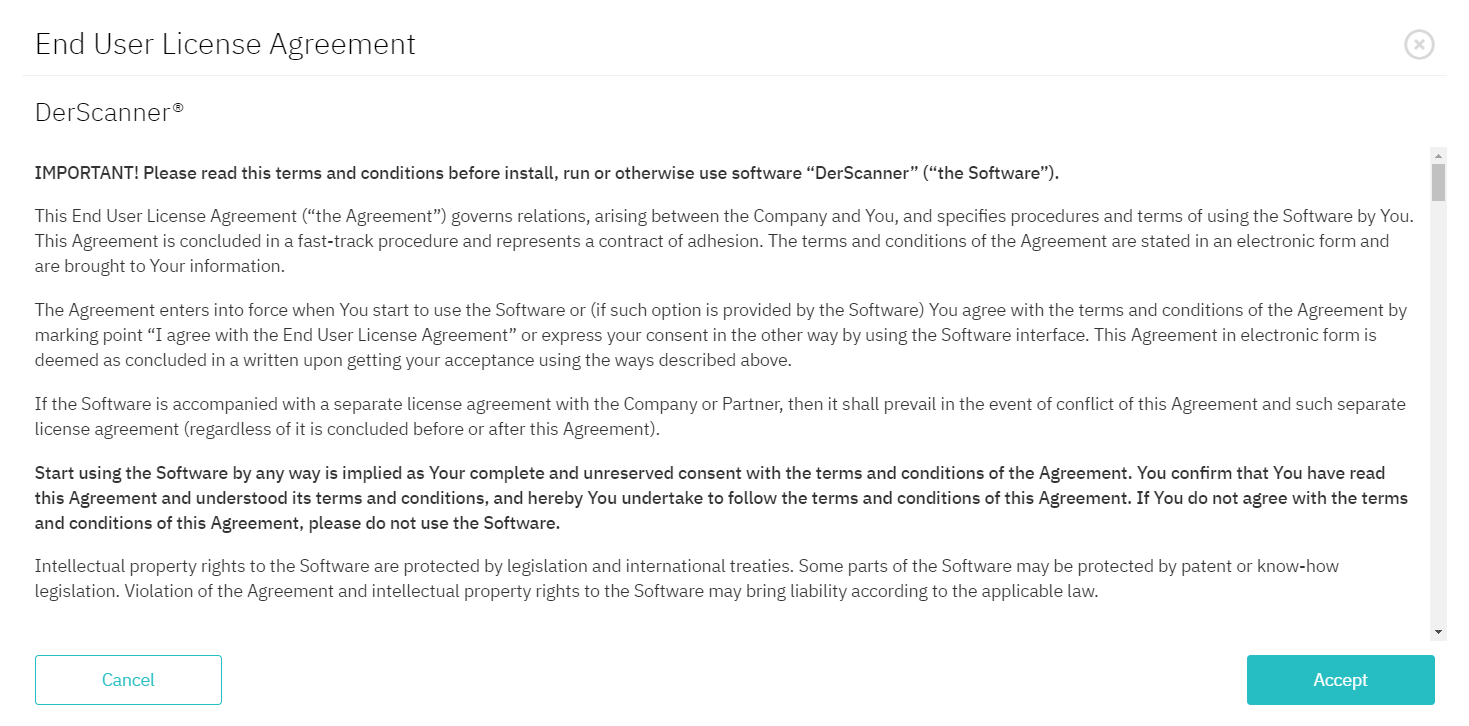
Figure 10.66: EULA
After successful authorization, Home page will open.